
buildyard

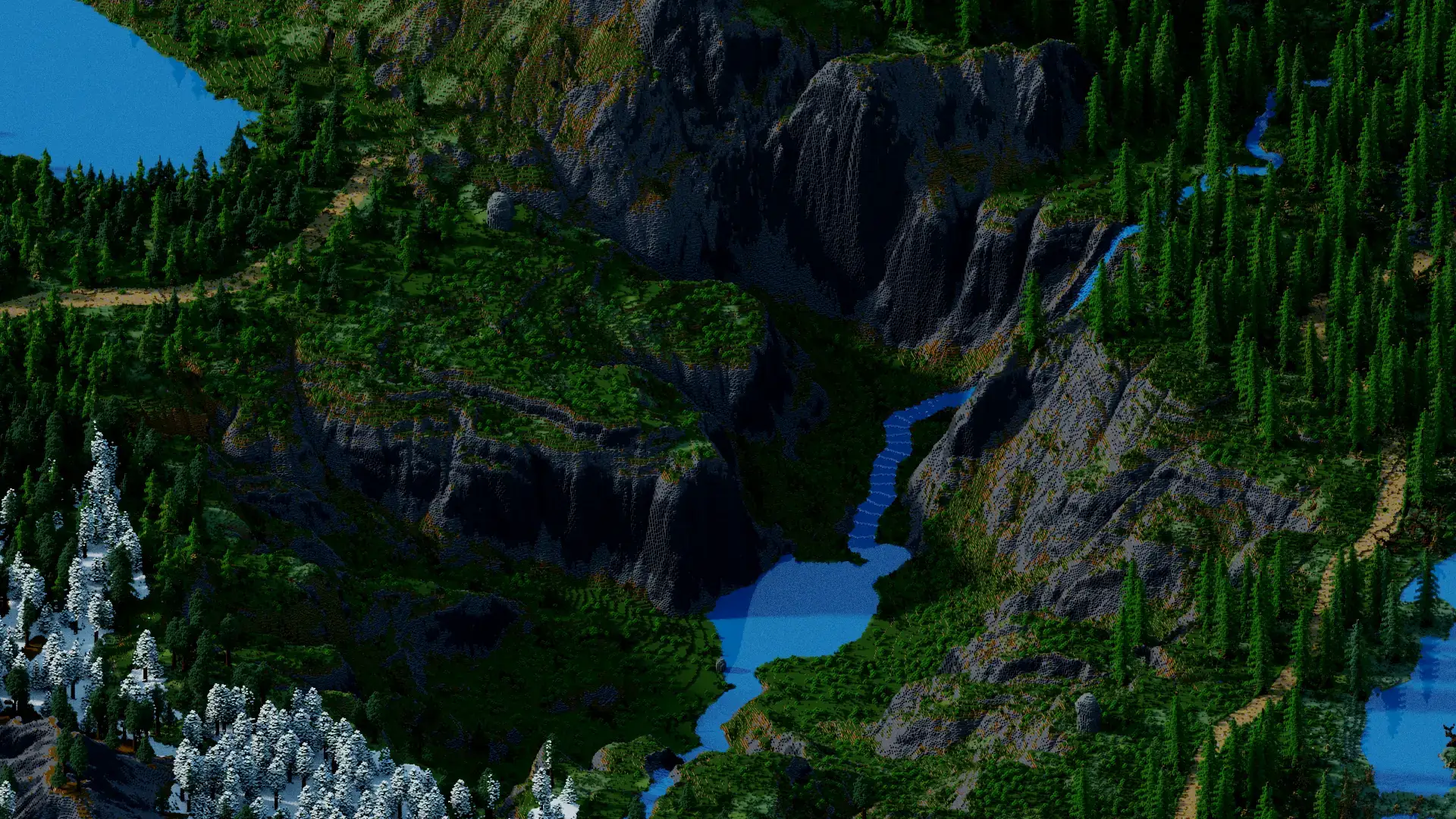
All the build tools you know — FAWE, schematics in and out, your own flat, void and plot worlds — plus exclusive terrain tools I made just for this server: flying islands, heightmap mountains and rivers that carve their own way.

What's in the yard

Worlds on tap

Type /worlds, click, done. Spin up superflat, void or plot-grid worlds in seconds and hop between them from one menu.

Frozen in place

New worlds start with physics off: floating sand, still water, no leaf decay, no crop creep. Your blocks stay exactly where you put them.

Yours alone

Nobody builds in your world unless you /world trust them. Visitors can look — they can't touch.

FAWE ready

Full FastAsyncWorldEdit. Select, //copy, //paste, brush and sculpt at speed.

Take it home

//copy your build, type /download, and grab the .schem file right here on this site. Your builds belong to you.

Bring it back

//upload gives you a link — drop a .schem on it and it lands straight in your clipboard. //paste -a and it's home.

Members also get terrain tools: flying islands, heightmap mountains, rivers that find their own way and block palettes.

See how everything works → Become a Member →

How it works

  1. Step 1

    Join & claim

    Hop on the server at play.buildyard.world, type /worlds and create your first world.

  2. Step 2

    Build wild

    Creative mode, frozen physics, FAWE. Trust friends with /world trust, teleport with /tpa.

  3. Step 3

    Export anywhere

    Log in here with Discord, link your account with /link, then manage worlds, stats and schematics from your dashboard.

Ready to claim your yard?

Log in with Discord